
How to Play a Video Toast or Slideshow at Your Columbus Wedding
By Christopher “DJ iShine” Summers · iShine Music Production
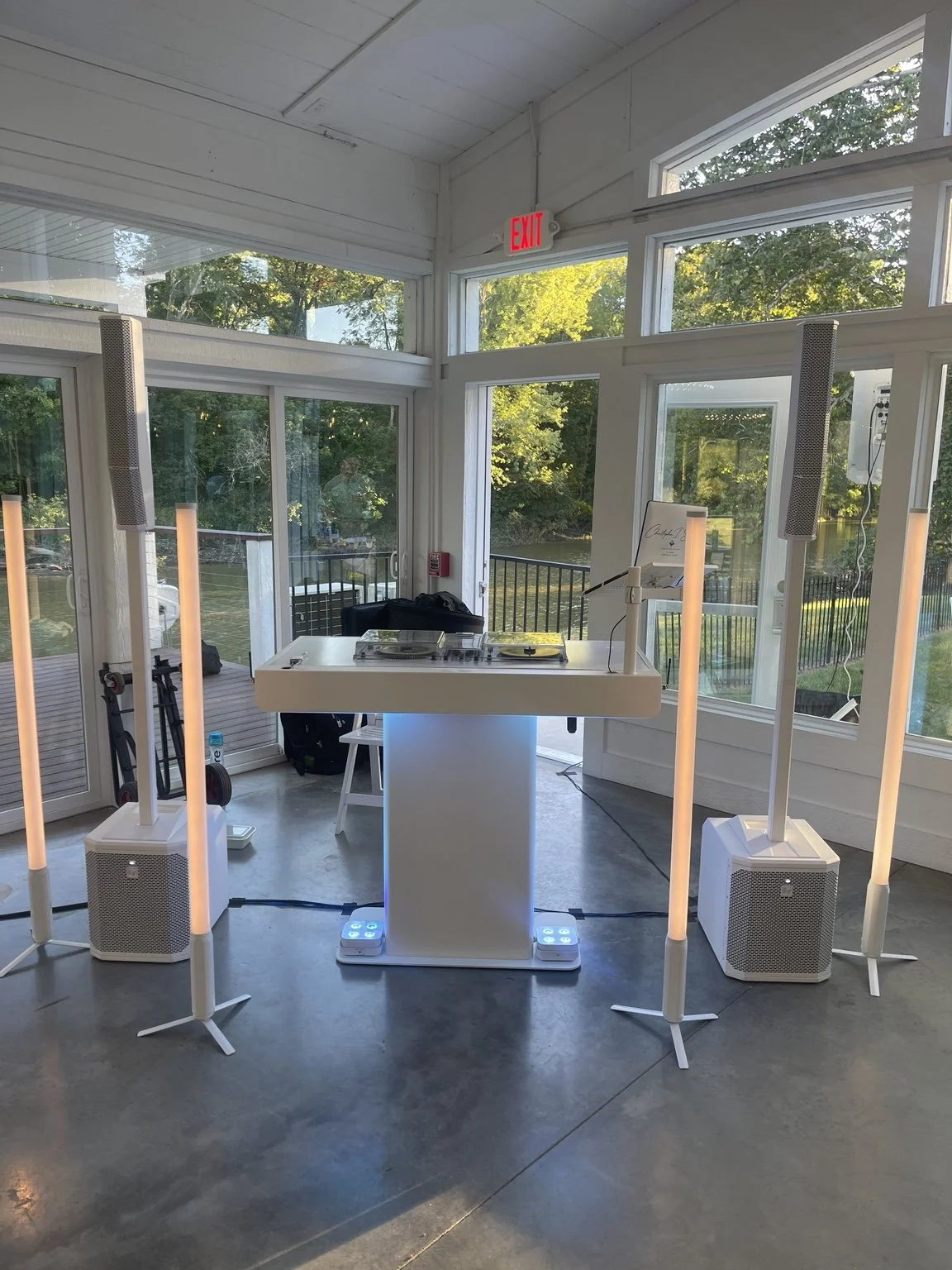
A prerecorded wedding toast lets someone speak to the room even when they cannot attend. To make it land, plan the playback as one of the reception’s featured moments. Give the team the final file, a screen guests can see, clear room sound, and an operator who knows exactly when to press play.
For a Columbus wedding, your DJ may be able to handle the music transition and room audio while another person runs the video. Some venues provide a display and an operator. Ask who does each job and whether any additional AV support is needed before you announce the idea to guests or include it in the timeline.
Decide what you want people to see and hear
Start with the length and purpose of the video. A ninety-second toast from a friend can fit before live speeches. A longer slideshow might work better in a dedicated viewing window with a clear introduction. Decide whether it includes spoken words, music, photographs, or a mix. That helps the operator understand which parts need to be heard and when.
Choose the part of the wedding that gives the video enough attention. If guests are gathering their meals or moving between rooms, they may miss part of the message. Ask the planner when the room can pause and how the DJ will bring the next activity back in. If the sender wants to stay a surprise for guests, the working team can prepare without announcing the name early.
Assign the screen, audio, and playback
Ask your venue what display or projection equipment is available and who can operate it. Then ask the DJ or AV provider how the video sound will reach the room. A screen that shows the picture and a sound system that plays the audio both need to be tested in the arrangement you intend to use.
Give each job an owner. One vendor may operate playback and adjust video output, while the DJ manages the room sound and lowers background music when the video starts. Ask who supplies the required equipment and any approved connection materials. If there is an installed system, ask the venue who permits and oversees its use. Plan wedding DJ use of the venue’s sound system.
Get a final file and a backup
Ask the operator which file format and delivery method they want. Send them the actual video, including captions and audio if planned, by their preparation deadline. An example link can help explain which file you mean. The operator should confirm whether they need a local copy for reliable playback at the venue.
Keep a clearly labeled backup with the agreed operator or planner. Mark the final version so nobody opens an earlier edit. If the sender updates the toast, have the operator test the replacement before removing the old file from the working plan. Ask how private material will be delivered and who needs access. A single final source gives the team a better chance of playing what you approved.
Check the screen from the guest seats
Ask the venue and AV provider to confirm the actual screen position and viewing distance. A bright daytime room, a low ceiling, and guests seated behind tall centerpieces can affect visibility. Test from a few relevant tables and review where the speaker or MC will stand before introducing the video.
Tell the planner if captions need to be readable from particular seats. Ask whether the display can be lit appropriately and where guests who need a clearer view can sit. The team can choose the presentation arrangement while honoring paths to tables and exits. Plan accessible vows and wedding toasts.
Soundcheck the video itself
Have the operator play the exact file using the playback device and planned sound path. Listen for the spoken message, the opening, and the ending from more than one place in the room. Check that the right audio is heard through the room system. Ask the operator to confirm the video can be paused or stopped when needed.
If the video includes someone speaking softly and a much louder music ending, review it ahead of time with the AV team. They can advise how the file or room playback should be prepared. Keep the soundcheck on the timeline even if the file was reviewed elsewhere. The venue’s equipment and room can influence how it sounds to guests. Prepare for clear wedding speech audio.
Mark the exact start and finish cues
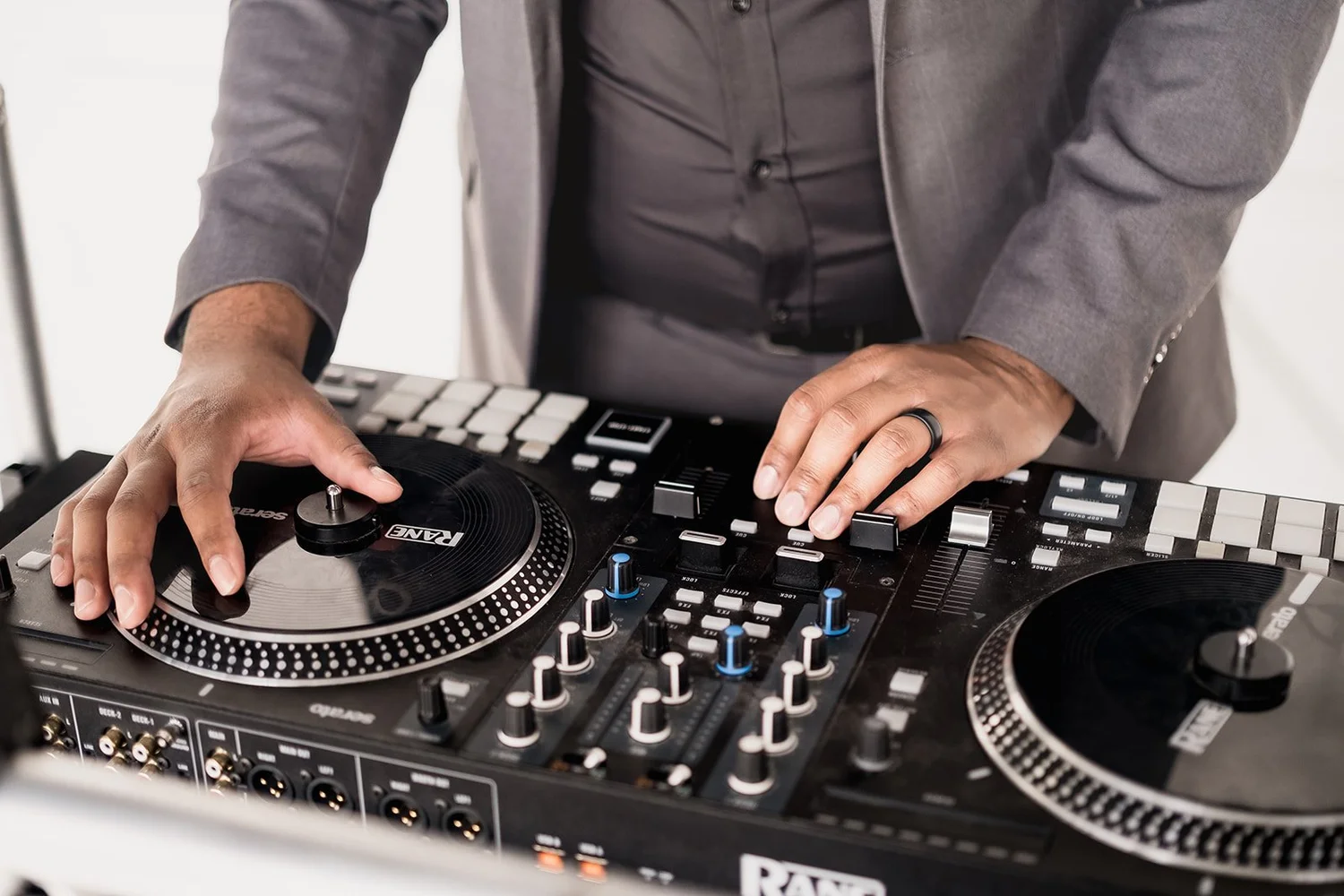
Your run of show should say who gives the all-ready signal, who introduces the video, who starts it, and what comes after. Write the name of the file and its run time next to the cue. If you want an opening screen or fade, agree on the appearance and timing with the operator. Let the DJ know how they will recognize the end and whether they should return to dinner music or introduce the next speaker.
Notify the photographer or videographer when you want the room’s reaction captured. If the video itself is private, share which parts may be recorded. Before playback, the planner can check the sender’s preferred name, expected start, and whether the host should mention who recorded it. Keep the planner and DJ working from one wedding timeline.
Agree on what happens if playback stalls
Choose a fallback that suits the couple and the person who sent the video. You might use a tested backup copy, move the toast to a later time, or continue with the planned program and watch privately later. Tell the MC what to say if the operator needs time. A short transition is enough if the room has already been invited to watch.
Ask who makes the decision in the moment. The planner can check with the operator and give the DJ one clear instruction. The couple can decide in advance which backup they prefer. That way the guests can keep enjoying the reception while the working team handles the issue.
A sample video-toast handoff
Imagine a Columbus couple with a relative overseas who sends a short recorded toast. The planner places it after one live speech. The venue approves a screen location, and an AV operator verifies the final file with the DJ’s sound plan before doors open. The announcer introduces the toast and waits for the operator’s signal.
The screen and audio are ready, and the planner lets photography know the moment is about to happen. When the video ends, the DJ thanks the speaker in the agreed words and returns to the next part of the reception. The couple gets the message in front of the people they want to hear it. The equipment stays in the hands of the people operating it.
A checklist for the final AV conversation
- The final filename, run time, and approved backup copy.
- The screen position, sightlines, and any caption needs.
- Who provides and operates the equipment for picture and sound.
- The time for testing the actual file in the venue.
- The cue to start, the DJ’s wording, and the next activity.
- The fallback and decision owner if the schedule or playback changes.
At iShine Music Production, I offer DJ and MC coverage and AV support for presentations and video playback. Share your date, venue, and what you want people to see and hear so we can discuss the equipment and operating support for your event. Explore Columbus AV services.