
What If Your Wedding Song Is Only on YouTube?
By Christopher “DJ iShine” Summers · iShine Music Production
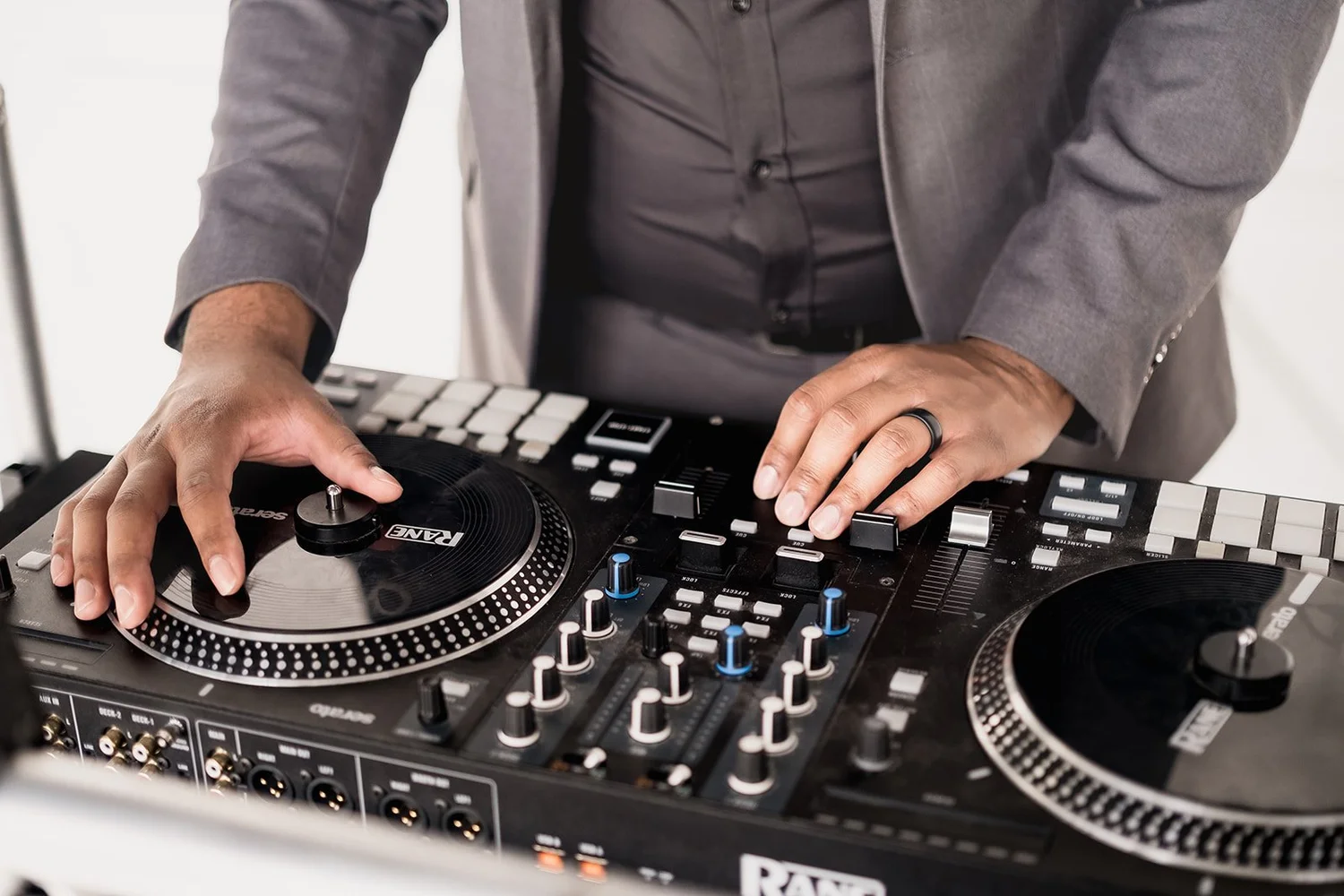
You found the wedding song you want in a YouTube video, and your DJ cannot find the same recording elsewhere. Send the link as a reference, explain the part you want, and ask what source the DJ can use for your event. Give them time to identify the recording, confirm permissions, and test an approved file or a planned alternative.
This comes up when couples choose a specific piano cover, a live performance, or a family recording that has not been broadly released. For a Columbus wedding, the source affects whether the DJ can prepare a dependable cue. A link that plays on a phone can help explain your choice. The event still needs an agreed source and a cue that works in the venue.
Identify the recording as precisely as you can
Send the video link and any credits you can find. Note the song title, performer, and exact time of the section you like. If the video starts with an introduction or applause, tell the DJ where the music you want begins. Check whether the uploader identifies a musician, label, or original release in the description.
Explain why this version matters. You may like the tempo, an instrumental arrangement, or the sound of a particular person’s voice. That helps if the exact recording is hard to obtain. The DJ can compare other versions against the quality that matters to you. Confirm the right version of a featured wedding song.
Ask whether an approved source already exists
The DJ may be able to locate an authorized recording through a music provider or the artist. If it is a cover, look for the performer’s own distribution or contact information. If a friend or relative recorded it, ask whether they can share the original audio and give permission for the use you are planning. The original may sound clearer than the audio in a social video.
If the recording has music, voices, or other material supplied by different people, discuss what permissions may be needed with the provider or relevant rights holders. Keep the request specific to the intended use. A track for room playback and music you want in a public wedding film or social clip can raise different questions. Confirm any separate use with the appropriate people.
Treat the platform link as a reference for planning
YouTube’s terms describe limits on downloading, copying, and using content outside the permissions provided by the service or relevant rights holders. Ask the DJ or audio editor what legitimate source they can accept. The link is useful for identifying exactly what you heard while you look for an approved version. Read YouTube’s terms and permissions.
For a song available from the artist or another authorized source, confirm that the actual recording matches the link. A version sold under the same title may be a studio recording when the video contains a live one. Play the opening, section you want, and ending before you approve it. Share your selection in the wedding plan with a specific label.
Find out what format and deadline the DJ needs
Ask which format the person doing playback can use, and how they want the file delivered. If you have an original or another source you can use, send it by the agreed method. Give the DJ enough time to listen for gaps, interruptions, or volume changes and to confirm the start and end points. If you want sourcing or editing help, ask how that is scoped.
Use a name that makes the approved file easy to recognize. Include the moment, version, and a date or revision. A named copy gives the planner and DJ a way to confirm the right track is prepared. When a file changes, tell the DJ what changed and ask them to check the new copy before the event. Explore iShine’s music editing and playback preparation.
Listen with the actual moment in mind
A video clip may sound different through reception audio than on a phone. Ask the DJ to test the approved recording and tell you if the opening, spoken words, or ending need review. If it will play with vows, an entrance, or a dance, check how much time there is before the cue. A long intro can change how you time a walk or step onto the floor.
For a family recording, ask whether you want to hear the entire piece or a shorter selection. Let the DJ know who should be present and whether the MC should say anything. If the piece needs editing, discuss the source quality and the expected result with an appropriate producer. Plan wedding ceremony music and timing cues.
Give your team a tested fallback
If the backup is a different performance of the same song, listen for changes in tempo and the first audible notes. Tell the DJ which version you will practice with. Label both references and avoid asking the venue operator to choose between two similarly named files at the last moment.
Choose a second song or version that you would be comfortable hearing if the first choice does not work out. Give the DJ the title and approved recording. If your first choice depends on a planned internet connection or venue system, discuss how that would be tested and who decides whether to use the fallback. Confirm that the needed equipment and connection will actually be available at the event.
Choose when to make the final decision. You may want to switch by the rehearsal date if the right source cannot be obtained. For a first dance with choreography, try the backup before the wedding to make sure it suits the steps. For a ceremony, inform the person giving the cue if the alternative starts differently. A checklist for organizing wedding music choices.
Decide who can approve a last-minute version
If a family member sends another link on the day, the DJ needs to know who may approve its use. Give the performer one contact who can confirm a change, and ask what preparation time it would need. A different sound or duration can affect the person walking the aisle or taking photos. Make sure the replacement fits the plan before using it.
The planner can keep the current song note with the run of show. Mark which recording is primary, which is fallback, and when each can be used. Give vendors only the files and details needed for their role. Use one timeline to coordinate DJ cues.
A hypothetical music selection in Columbus
Imagine a couple finds a favorite instrumental performance in a video. They send the link and exact cue to the DJ, then find the artist’s approved release. Together they compare it with the reference and confirm it is the same arrangement. The DJ tests the correct file and confirms where the processional should start.
If a release is unavailable, they can ask the creator about an approved copy or select a similar recording. The planner gives the wedding party the timing for the chosen version. When guests arrive, the team is following one decision. The couple has had time to choose which sound matters most, and the DJ has a way to play it as planned.
I’m Christopher “DJ iShine” Summers. If you have a hard-to-find recording for your Columbus wedding, send the reference, moment, and timing ahead of your final planning meeting. We can discuss available sources and any agreed audio preparation. Ask about your wedding music plan.