
Wedding DJ and Videographer Audio Coordination: A Columbus Planner’s Guide
By Christopher “DJ iShine” Summers · iShine Music Production
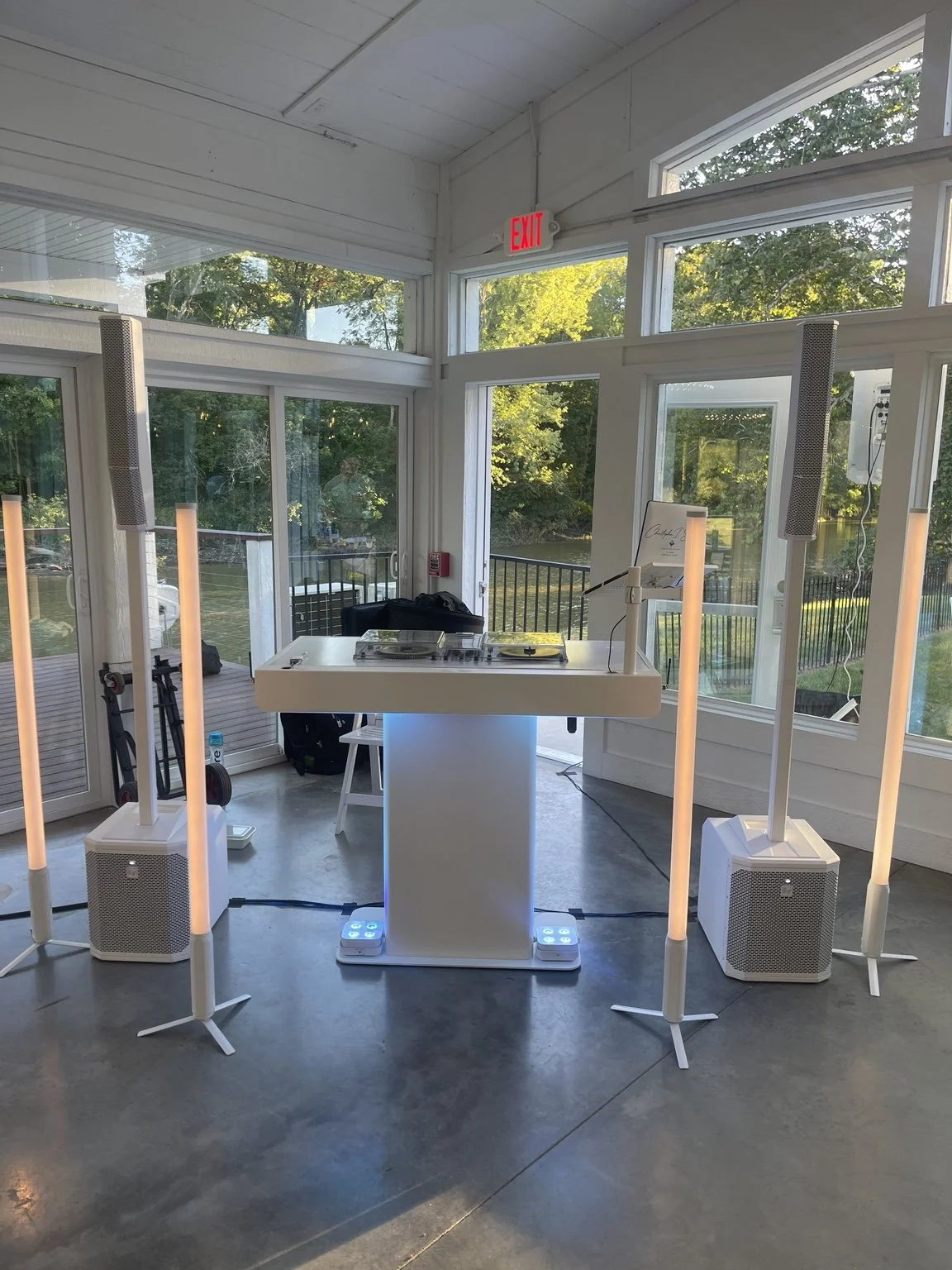
Guests hearing a wedding toast clearly and a videographer recording that toast are related goals, but they are not the same task. The DJ manages sound for the room. The video team manages its recording equipment and the audio needed for the finished film. A clear conversation between them helps connect those responsibilities.
For Columbus couples and wedding planners, DJ and videographer audio coordination should happen before important moments begin. The practical questions are simple: what needs to be recorded, which sound systems will be used, what connection is available, and when the team can test it together?
Introduce the vendors before the wedding
Share the DJ’s and videographer’s contact information with each other through the planning process. Let them discuss their needs directly rather than asking the couple to relay technical instructions they may not understand.
Include the event date, locations, and current timeline. If the ceremony and reception use different audio systems, the video team needs to know that before assuming one connection will cover everything.
The planner can help establish the deadline for that conversation and note any unresolved requirement. The objective is not a lengthy technical meeting. It is making sure the people responsible for sound and recording have enough information to prepare.
List the moments the video team wants to capture
Ask which spoken activities need recorded audio. The list may include the officiant, vows, readings, toasts, a welcome, or a special performance. Confirm where each happens and whether that voice or instrument will actually pass through the DJ’s system.
A microphone used by the officiant does not automatically capture every other speaker equally well. Similarly, a reader using a separate venue microphone may not appear in the output the videographer expected from the DJ.
Give each moment a clear sound source and responsible operator. This helps the professionals identify gaps while there is time to plan another recording method.
Distinguish a room sound feed from a recording service
Ask the DJ what audio output can be made available and what it contains. A feed may include some microphones and music, while another arrangement may provide different sources. The answer depends on the actual equipment and signal routing.
Also confirm whether the DJ is providing any recording service or simply an agreed connection for the video team’s recorder. Those are different responsibilities. Do not assume a DJ will deliver recorded files later unless that service is explicitly included.
The videographer should explain who starts, monitors, and stores the recording. A useful agreement identifies ownership of the task instead of leaving both teams to assume the other person pressed record.
Let the professionals confirm connection compatibility
The DJ and videographer should discuss the available output, the recording input, suitable cables or adapters, and the expected signal level. Matching connector shapes alone is not a complete compatibility check.
Shure’s Audio Systems Guide for Video and Film Production discusses microphone-level and line-level connections and recording considerations. The practical takeaway for couples is to let the professionals verify the actual equipment together.
Ask who supplies the connection equipment and when it will be tested. The wedding party should not be searching for an adapter while guests wait for the first toast.
Schedule a real test before the important audio
Allow time for the video team to connect its equipment and check the recording before the ceremony or speeches. The test should use the relevant microphones and sources, not just a song playing while the speaking microphone remains unchecked.
The videographer should confirm that the recording receives what it needs. The DJ can verify the agreed output and help with the test, while the video team checks its own equipment and monitoring.
Include that coordination in the setup schedule. Our wedding DJ venue access guide explains why preparation time needs to account for soundcheck and vendor handoffs before guests depend on the system.
Review separate ceremony and reception systems
If a Central Ohio wedding has an outdoor ceremony, cocktails in another area, and dinner indoors, the audio plan may involve multiple systems. The video team may need a different connection or recording method in each relevant space.
Confirm when equipment moves and whether the DJ has separate setups prepared. A recorder left beside a ceremony system will not automatically capture a reception toast in another building. The timeline should identify when the video team can establish the next recording arrangement.
Read the three-space wedding sound guide when describing your locations. Accurate details help the professionals plan transitions instead of discovering them during the event.
Coordinate microphone use with recording needs
Tell the video team who will use each microphone and how handoffs will work. If the couple plans to speak privately, read personal vows, or share a surprise message, discuss the recording goal with the responsible vendors beforehand.
For toasts, the planner and DJ can identify the speaking area and order. The videographer can then prepare the recording and camera position. A guest spontaneously moving a microphone to another area may change more than the photograph.
Our wedding microphone planning guide covers simple preparation that helps speakers remain understandable. Good microphone use benefits the guest experience and gives the recording team a more predictable source.
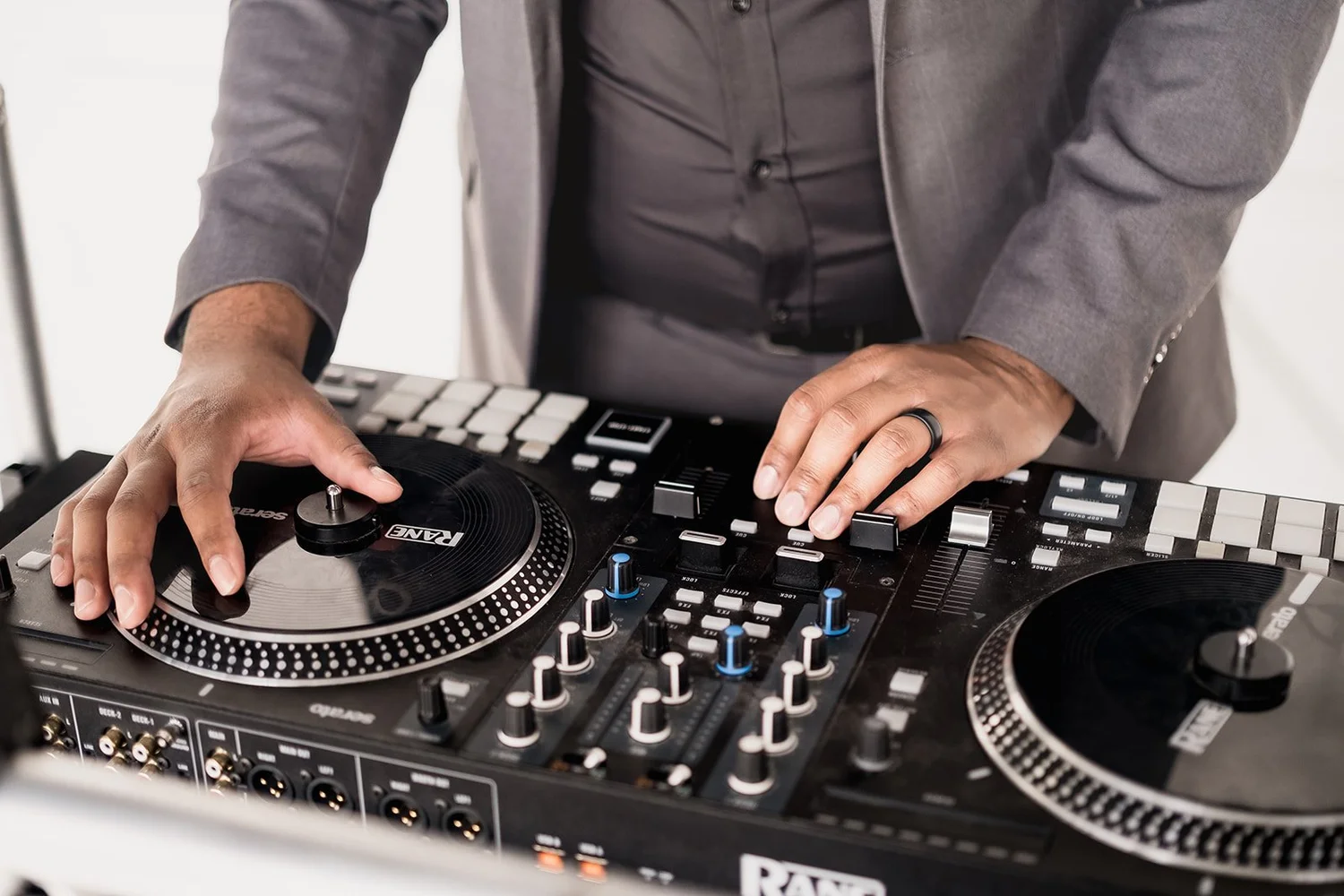
Confirm backup responsibility without making assumptions
Ask the videographer about its recording backup approach and what support it needs from the DJ. The DJ should explain the scope of the available audio connection and any relevant limitations. Each professional remains responsible for the services they have agreed to provide.
A backup plan is more useful when it names an actual method and owner. “We will get audio somehow” does not establish what happens if a connection is unavailable or a source is missing.
The couple does not need to choose the recording equipment. Their role is to communicate which moments matter and ask the team to confirm that the plan addresses them.
Share changes before moving a spoken moment
If toasts move earlier or the ceremony location changes, notify the video team before the DJ begins the new sequence. A recording arrangement may need to be moved, checked, or restarted in the revised location.
Use the same readiness process as photography coordination. The DJ receives a clear cue after the necessary people and equipment are ready. Avoid introducing a speaker while the videographer is still connecting a recorder.
The shared wedding timeline guide explains how one event lead can distribute changes. Clear updates help protect important audio without turning the reception into a series of public technical discussions.
A hypothetical toast recording handoff
Imagine a Columbus reception where the video team wants to record two planned toasts. Before the wedding, the DJ and videographer discuss the available feed and connection equipment. During setup, they test the actual speaking microphone with the recorder in place.
Dinner runs a little late, so the planner updates the toast timing and confirms readiness with both vendors. The DJ introduces the speakers in the approved order while the video team handles its recording.
The successful handoff comes from clear responsibilities and an early test. It does not rely on the couple knowing the technical details or on a last-minute request being possible in every system.
DJ and videographer audio checklist
- Introduce the vendors and share the current timeline.
- List the spoken moments and the system used for each.
- Confirm what the DJ’s available feed contains.
- Distinguish an audio connection from an included recording service.
- Agree on connection equipment, compatibility, and who supplies it.
- Schedule a test using the actual microphones and sources.
- Review separate ceremony and reception locations.
- Confirm recording operation, monitoring, storage, and backup responsibility.
- Notify the video team before changing an important moment.
Frequently asked questions
Will every DJ have the same audio output for our videographer?
No. Equipment and routing differ. Have the professionals discuss the actual setup early and confirm what can be provided for your event.
Can the videographer simply connect when speeches begin?
That leaves little time to resolve a compatibility or routing issue. Plan the connection and test before the speeches, then use a readiness check before the first speaker is introduced.
Does a DJ audio feed guarantee a finished wedding film’s sound?
No. The recording arrangement, monitoring, source coverage, and post-production remain part of the video team’s work. Discuss the responsibilities and expectations directly with both vendors.
Coordinated wedding planning with DJ iShine
At iShine Music Production, I personally handle music planning, live mixing, and MC duties while coordinating with the event team. Explore Columbus wedding DJ services or share your wedding date and venue. Include your ceremony, toast, and video priorities so we can discuss the relevant sound arrangements during planning.